 Admino
Story Fonts for iPhone and Android: No Font Download or Install
Someone searching for Instagram story fonts on iPhone or Android usually sees two paths: find a font file and install it on the phone, or use an app that has its own fonts. The first path is incomplete in practice: a font you install on the phone does not appear inside Instagram’s story editor, because Instagram only shows its own fonts.
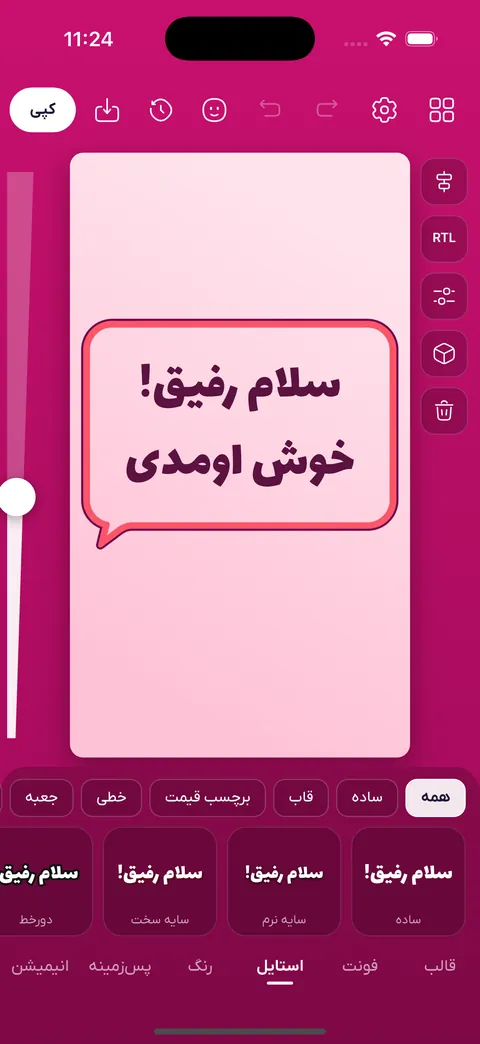
The working approach is to design the text in an app that has the fonts inside it, and then place the result in your story as an image or sticker. Fontino, Admino’s story design section, does exactly that and works the same on Android and iPhone.
Where the fonts are and how many
The Fontino library has 96 Persian fonts and 189 English fonts, including Iran Yekan, Vazirmatn and Estedad. Fonts are grouped as plain, classic, calligraphic, headline, handwritten and decorative, and all are published under open licences. You do not download or install anything separately.
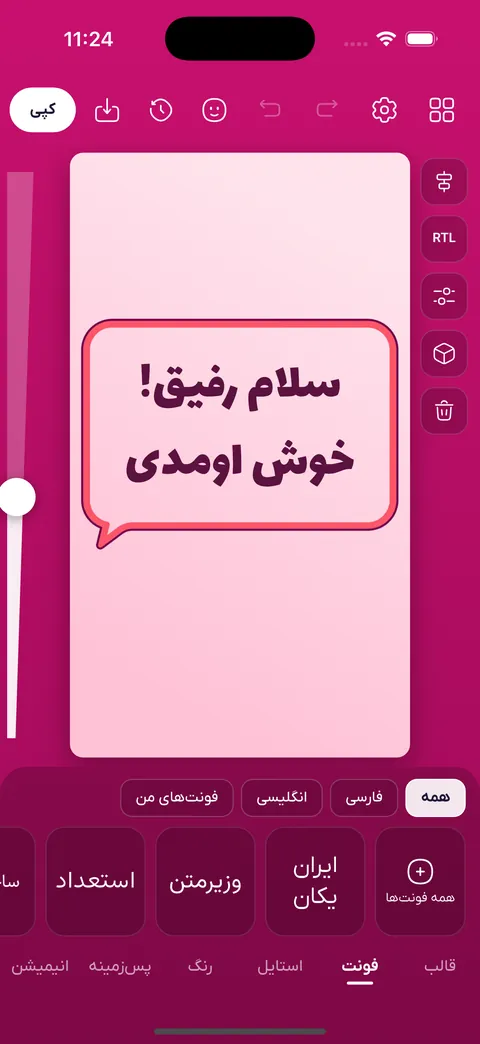
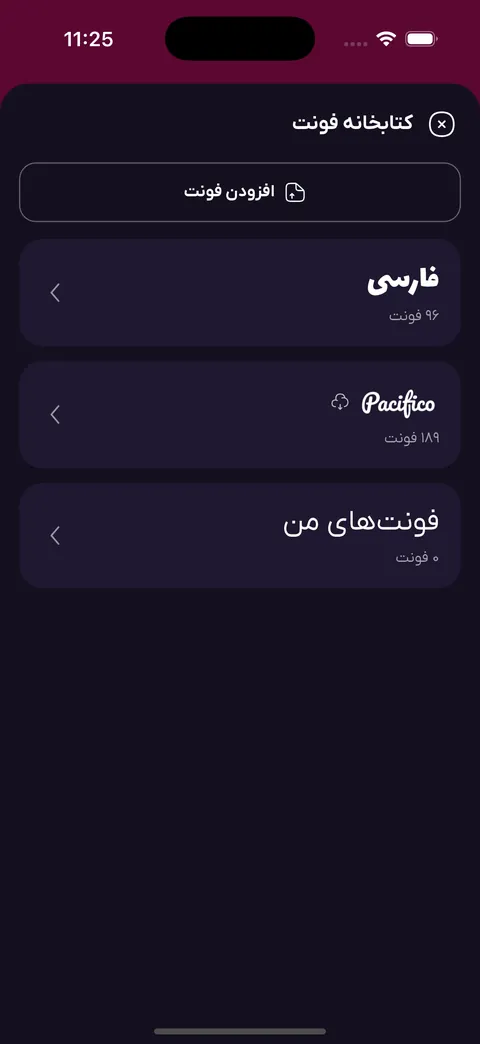
If you have a particular font, for example your brand’s own, you add its ttf or otf file to the app and use it like the others. Its licence is your responsibility.
Why a dedicated tool makes Persian stories look better
- Kashida: it stretches Persian letters like calligraphy, something plain story text does not offer.
- Per-word colour: one word, such as “sale”, can take its own colour so the eye lands on it first.
- Detail: outline, glow, shadow, skew, rotation and letter and line spacing are all yours to set.
- Backgrounds: a solid colour, gradient, texture, pattern or a photo from the gallery, with stickers in front of or behind the text.
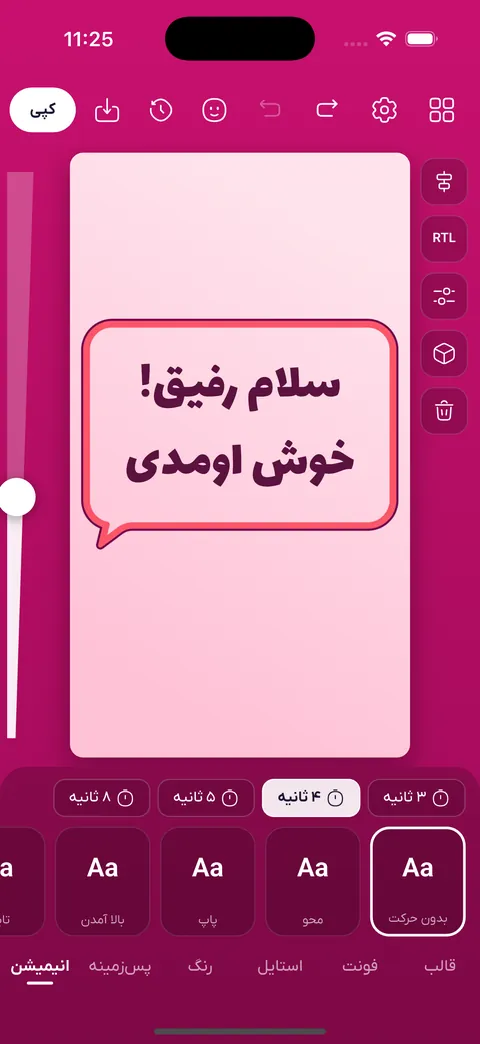
- Animation: eleven motions such as typing, pop, wave and glow.
Ready-made templates for businesses
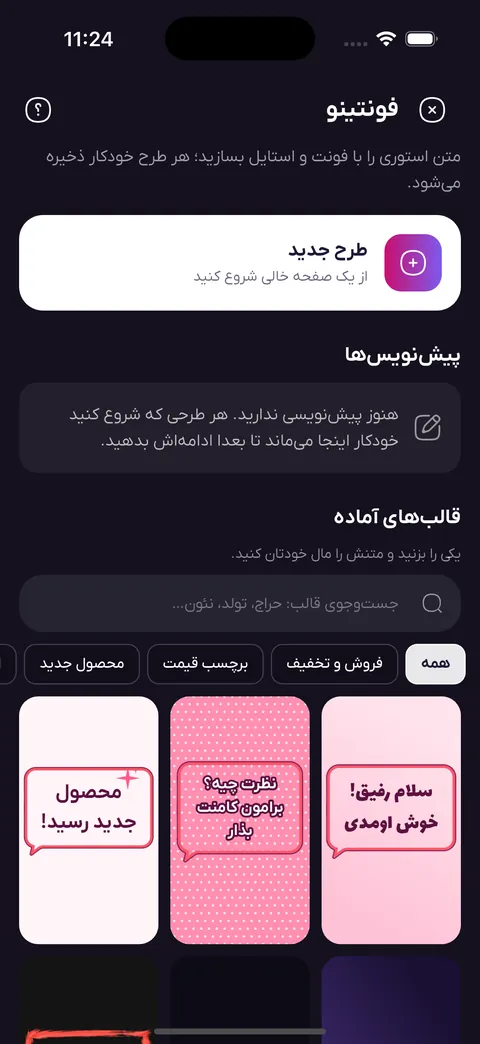
You get more than 180 ready templates in categories such as sales and discounts, new product, announcements, occasions, congratulations, quotes, before and after, giveaways and customer feedback, in minimal, big-poster, neon, retro and luxury looks. When you change the template, your text stays where it is. For a shop page that means a fresh story every week without starting from a blank screen.
How to get the design into a story
There are several routes and each suits a different job. The “copy” button copies the designed text as a sticker; in Instagram’s story editor hold the screen and tap “paste” (on Android the share sheet opens so you can send it to Instagram). The “Instagram story” option sends the full story image, and saving to the gallery is always there.
- The full story image, 1080 by 1920 pixels by default.
- A transparent PNG the size of a story, which sits on top of any photo or video.
- A cut-out text sticker, a Telegram sticker and a highlight cover.
- An MP4 video if you gave the text a motion.
AI for writing story text
If you do not know what to write, say what you want to write about and a text is suggested, rewrite the current text shorter, friendlier or more formal, or ask for look ideas. Designing by hand costs nothing extra, but each AI request takes one credit from your subscription’s AI allowance.
Your first story in four steps
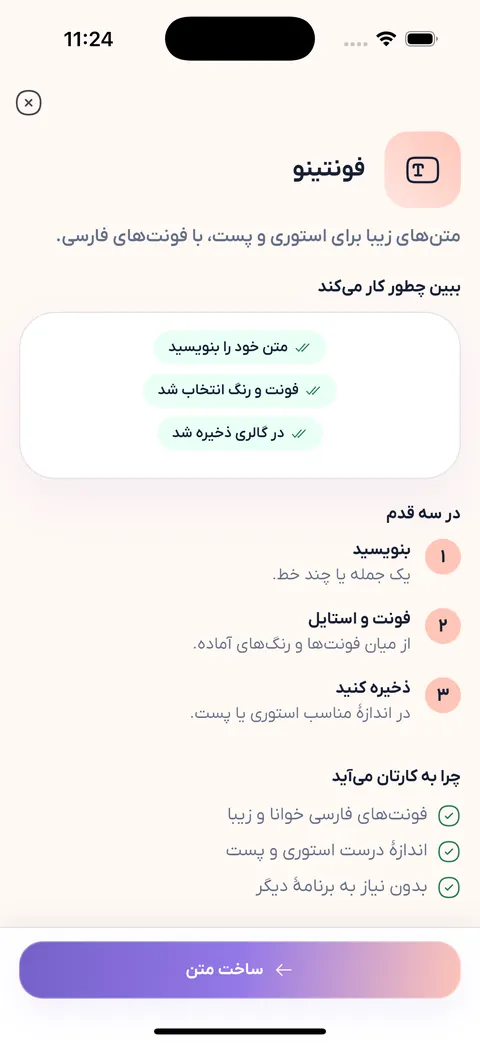
- Install the Admino app and sign in with your phone number.
- In Studio, open Fontino and choose a template or a blank page.
- Write the text, pick the font and colour and turn on kashida if you need it.
- Copy or save the output and paste it into your Instagram story.
Frequently asked questions about story fonts
Do I need to download fonts for story fonts on iPhone?
No. The fonts are inside Fontino. You design the text there and put it in your story as an image or sticker; no separate font is installed.
Is Fontino on Android too?
Yes. Fontino lives inside the Admino app, in the Studio section, on Android and iPhone, and you do not need to have connected an Instagram page to design a story.
Are the fonts free for commercial use?
The library fonts are published under open licences (most under the SIL Open Font License) and each font’s licence text is inside the app. If you add your own font, check its licence yourself.
Is Admino’s Persian story maker free?
Each phone number gets 30 days of every feature free, with no bank card. After that the Monthly plan is 963,000 toman and the annual plan 7,963,000 toman. Designing by hand costs nothing extra.
Can I put the text over my own photo?
Yes. Choose a photo from the gallery as the background, or export a transparent PNG and place it over any photo or video in Instagram’s own story editor.
Fontino: text story maker
Design story text with Persian fonts, ready-made templates, colour and animation, and put it straight into your Instagram story.
Explore this featureReady to get started today?
Connect your Instagram account and let Admino handle your DMs, comments, and publishing.
See pricing